Story Spinner — Scenario Reels
A brass-and-lacquer slot cabinet that deals a practice scenario instead of a jackpot. Pull the lever and the reels clatter down — who it is, where they are, what they want, what goes wrong, and the mood it happens in. Ships themed to a live support floor: a new hire on day three, mid-screen-share, the policy changed last week and nobody said. Three rounds escalate: round one is a single shared cabinet so the whole room reads the same prompt, then rounds two and three give every team its own machine and add reels, so the prompts get longer and stranger as the energy builds. Every reel is editable live from the toolbar — open “Edit lists,” paste your own entries, save, and the cabinet reloads with your content. Synthesized reel clunks and a landing chime, a mix-reels mode, sound toggle, and reduced-motion support built in.
- Problem
- Icebreakers and practice scenarios stall on the blank page — ask a room to “come up with a situation” and you get silence, then whoever is loudest. A prompt nobody chose gets everyone talking at once.
- Who it helps
- Facilitators opening a session, warming up a quiet cohort, or generating practice scenarios on the spot for storytelling, communication, and improvisation exercises.
- In training
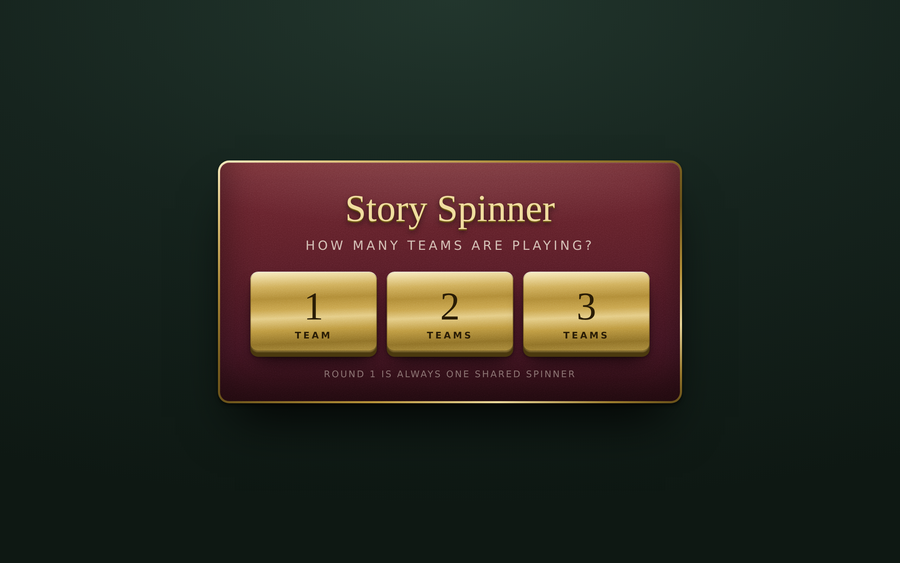
- Project it, pick a team count, and pull. Use round one to get the room laughing on a shared prompt, then split into teams for rounds two and three. Swap the default storytelling reels for roles, systems, and curveballs and the same machine becomes a scenario generator for onboarding or process practice.
- Skills shown
- Front-end build, CSS-only cabinet rendering (no images), animation timing and easing, randomized draw logic without repeats, live content editing with localStorage persistence, synthesized audio, projector-first UI, accessibility (reduced-motion).
How to edit
- Two full reel sets ship in the file.
THEMEis set to"training"(support-floor roles, systems, and curveballs); change it to"story"for the open-ended storytelling reels. - Fastest route — no editing at all: open it in a browser and click Edit lists in the toolbar. Pick a category, replace the lines, and click Save and close. Your version is remembered in that browser.
- To change it permanently, right-click the file → “Open with” → a text editor.
- Scroll to the banner
★ EDIT YOUR STORY SPINNER HERE ★near the top of the script. - Edit the reel lists —
D_WHO,D_WHERE,D_GOAL,D_WHAT,D_MOOD. Each entry is a pair:["emoji", "The text on the strip"]. Add or delete as many as you like; the reels resize themselves. - Set
TEAM_NAMESandteamCount, or setPICKERtofalseto skip the team prompt on open. UseROUNDSto choose which reels appear in each round and whether the pull is shared by the room or one cabinet per team. Save, then open in a browser.