Sortboard — Drag-to-Category Sorting
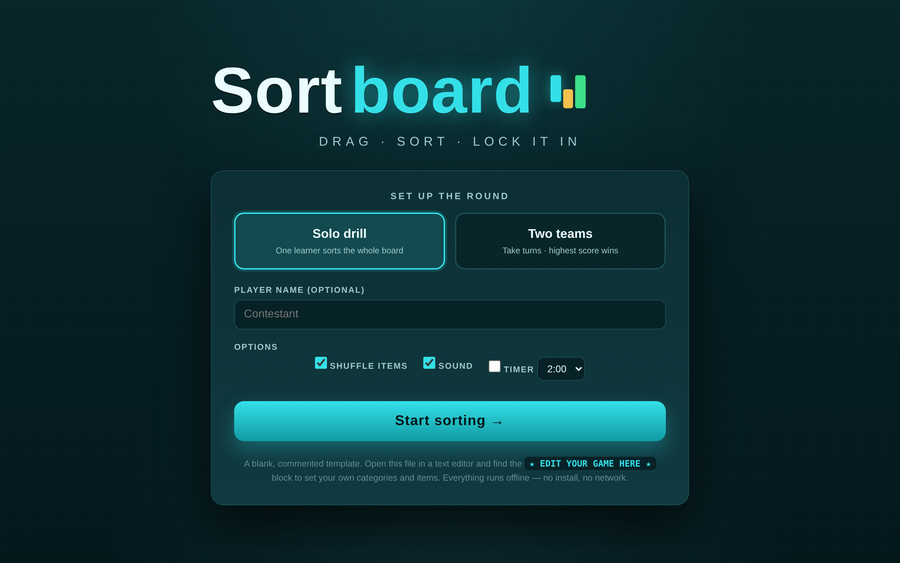
A drag-and-drop sorting game: learners drag each item onto the bin it belongs in. Correct drops snap in and lock; wrong drops bounce back to try again — active recall, not passive recognition. Solo play scores first-try accuracy with a per-category breakdown; team play pits two teams taking turns on a shared board. Optional countdown timer and shuffle. Ships as a blank, commented template.
- Problem
- Learners can recognize the right answer in a list but still can't categorize it under pressure — sorting forces the decision.
- Who it helps
- Facilitators teaching classification, triage, and “which-bucket” judgment — one learner drilling solo or two teams competing.
- In training
- Drag each ticket onto the right bin; correct drops lock in, misses shake and return so learners self-correct. Flip on the timer for a team race, or run it solo as a knowledge check.
- Skills shown
- Front-end build, drag-and-drop interaction, categorization design, first-try scoring, trainer-editable template.
How to edit
- Right-click the file → “Open with” → a text editor.
- Scroll to the banner
★ EDIT YOUR GAME HERE ★near the top of the script. - Set
CATEGORIES— each bin’slabelandcolor(2–5 bins fit best); theidis what items point to. - Fill
ITEMS— each ticket’stextand thecatit belongs to (matching a category id); addptsfor team scoring. Save, then open in a browser.