Reveal — Hidden Phrase Board
A “guess the phrase” marquee: a key term hides behind blank tiles and the host flips letters into view a few at a time while teams race to call the whole phrase. A value ladder drops as more letters light up, so solving early is worth the most; a wrong solve locks that team out for the round. Team mode keeps score and rules each buzz; solo mode is a self-paced reveal-and-learn. Ships as a blank, commented template.
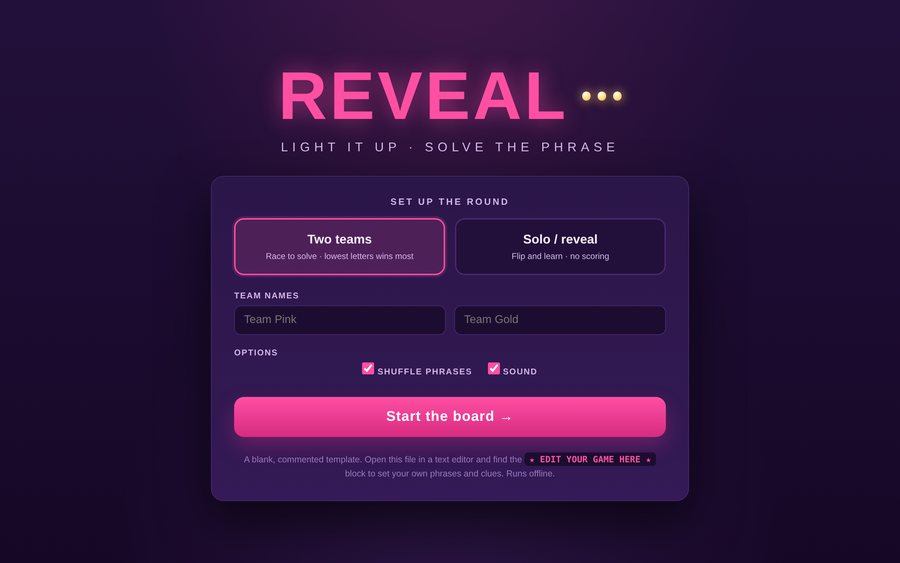
- Problem
- Pure question-and-answer review misses pattern recall — and rarely builds the room-wide tension that makes a key term actually stick.
- Who it helps
- Facilitators reviewing terminology and key phrases — two teams racing on a projector, or one learner revealing at their own pace.
- In training
- Reveal letters from the keypad while teams watch the value drop, hit a team’s Solve button when they buzz, and rule it right or wrong; the longer the board stays dark, the bigger the score.
- Skills shown
- Front-end build, reveal-and-score logic, value-ladder design, lock-out handling, projector-first UI, trainer-editable template.
How to edit
- Right-click the file → “Open with” → a text editor.
- Scroll to the banner
★ EDIT YOUR GAME HERE ★near the top of the script. - Edit
PHRASES— each is a{ phrase, clue }pair (letters A–Z; spaces split words). - Optionally tune
START_VALUE,DROP_PER_REVEAL, andMIN_VALUEto set how fast the score falls as letters show. Save, then open in a browser.